Elcor
Members
-
Joined
-
Last visited
-
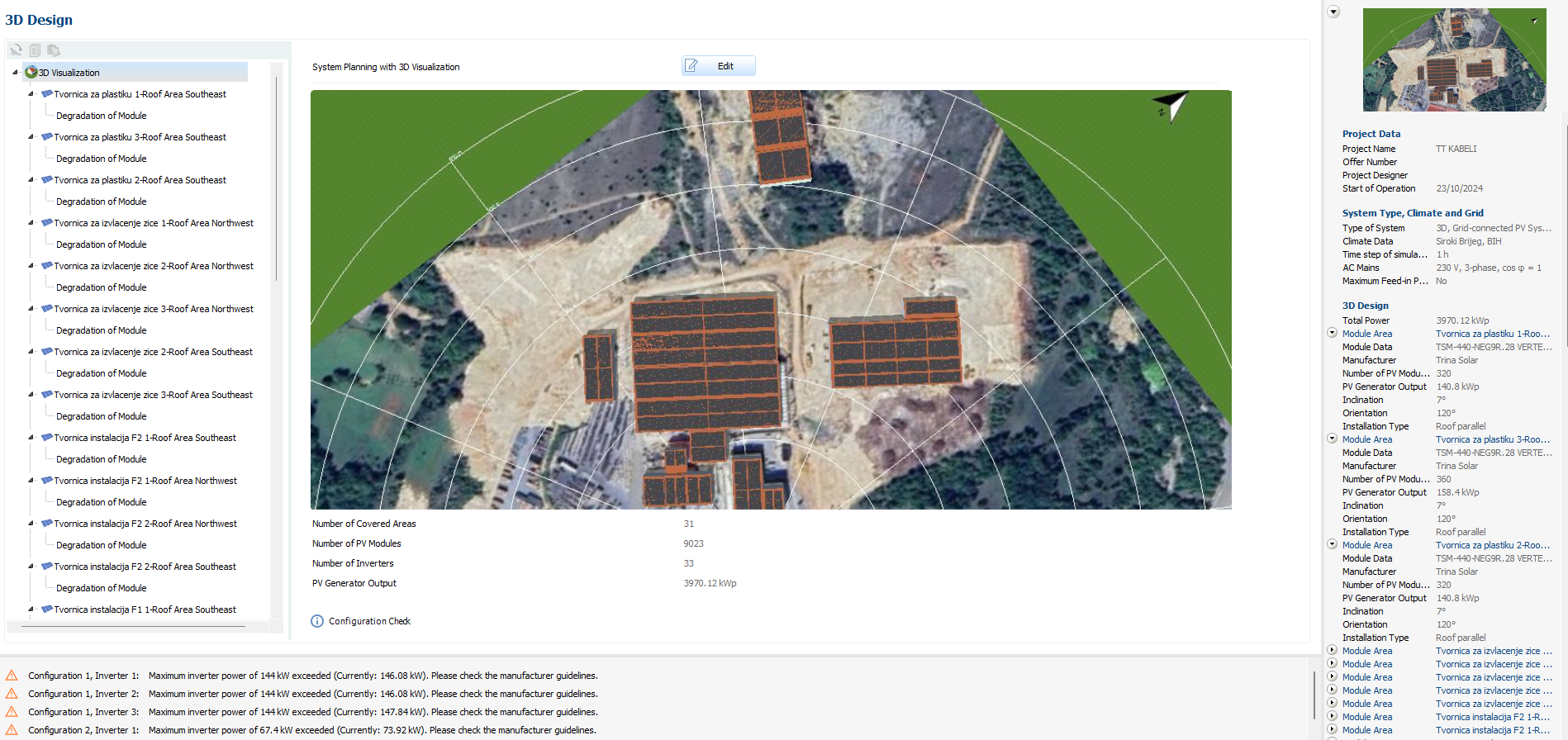
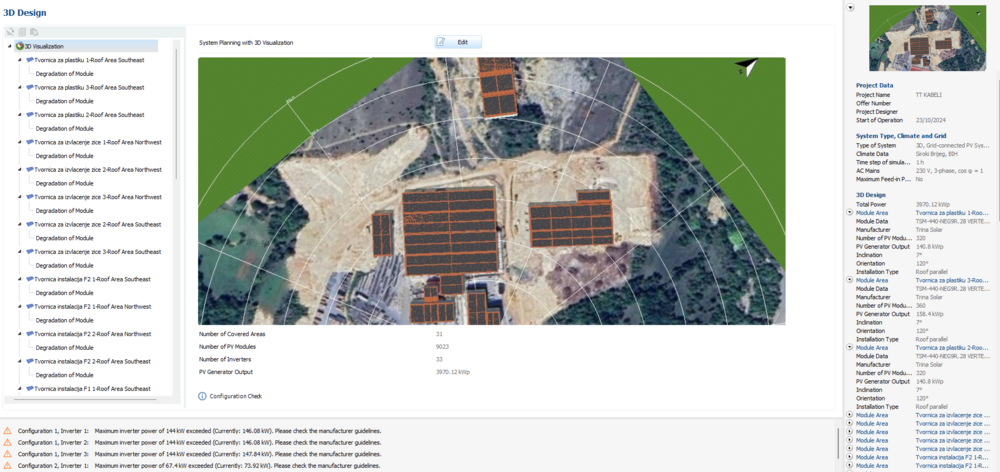
If I remember, before I could have info of production per every building. Now I cant seem to find that info anywhere. I have more than 30 covered areas but they would all be one system, and since its planning phase, we need info of energy export for every building so we can decide which buildings are worth to have PV. Please tell me there is way to know this information without drawing every building separately.
-
Hi Martin, I know its hard to explain first issue. Can you see this video now? screen-capture.mp4
-
Hi, 1. I noticed when I have multiple inverters with more MPP (Such as SMA CORE 2) and multiple roofs, when I try to configure inverter number 2 (or higher number) and I want to make his MPP to affect modules from certain roof, it makes that change but is scrolls whole simulation back to inverter 1. I hope you understood what the problem is. Screen record is below. This is really annoying because its easy to get lost in all those MPP-s and inverters, especially when having more than just 2 inverters screen-capture.webm 2. Is there any option to save configuration when its not completly finished? . Its frustrating to loose time on 80% configuration and then some bug happens and its all messed up. If you have any suggestion that would make this kind of simulation (multiple roofs with multiple inverters) easier in future, feel free to suggest me. In this project you can see I have more than 20 roofs, and they would need to be connected on 8 inverters (SMA CORE 2)
-
-
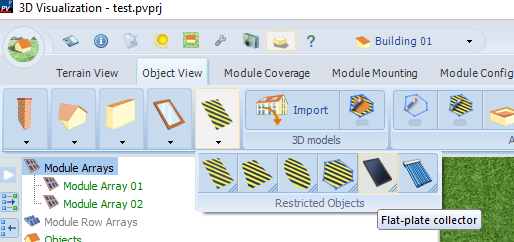
Hi, Options what I would do: Just place normal modules and dont connect them to inverter Place similar object like skylight or Flat-plate collector
-
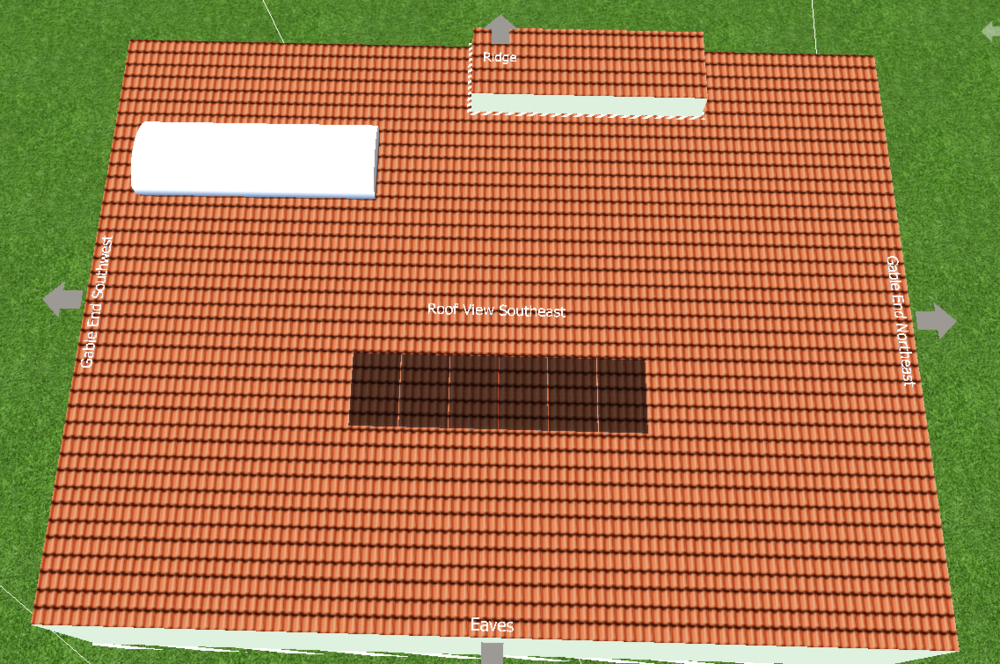
Hi, I made 3D object in Sketchup according to picture I attached. I also made simple building in PV SOL and placed that object on roof. Problems comes when I try to move that object, for some reason I cant move it on entire roof. White object is one made in sketchup, and this is as far top left it can go. If you need more info or files, I can send them too.