

SPsolar
Members
-
Joined
-
Last visited
-
Martin Great thanks - I will send you the files via email. Hopefully, the twin SolarEdge optimisers will also work! Currently I have to string in single optimisers for systems which is not accurate for systems using SE16K inverters and above. Regards
-
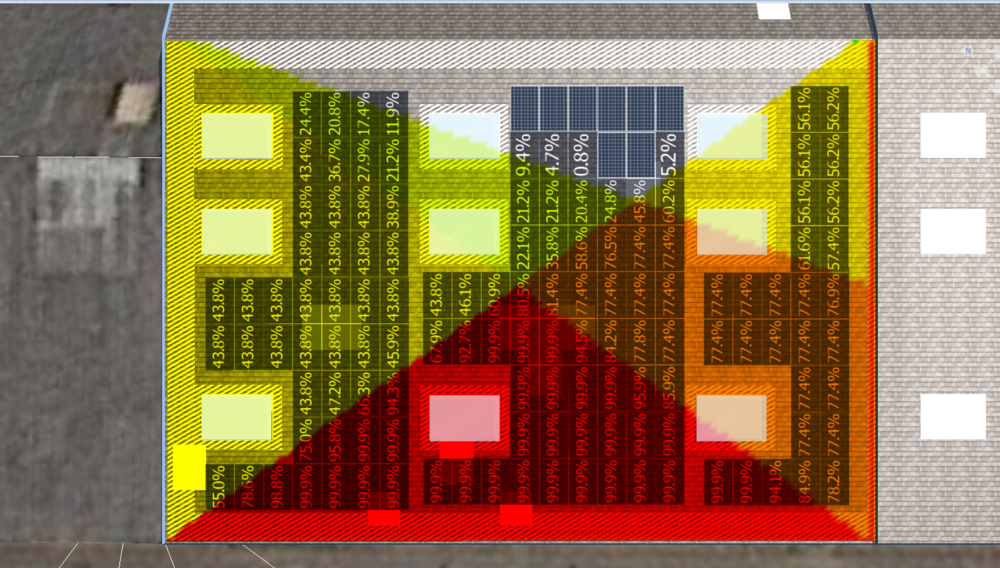
Do we have an update on this Martin? We have 23 projects currently this is also doing this. Files imported from Sketch-up and nothing else around the building 45%-50% overall shading. The building next door modelled in the same way is less than 2%? Standard pitched roof 12 degrees. Please can we have a fix for this.
-
I also have this issue. If I select it I end up with only one side textured (i.e. two elevations on one side and the other side defaults to "plaster" The work around is to create two separate roofs, but it is more time consuming - is there a fix for this? Thanks
-
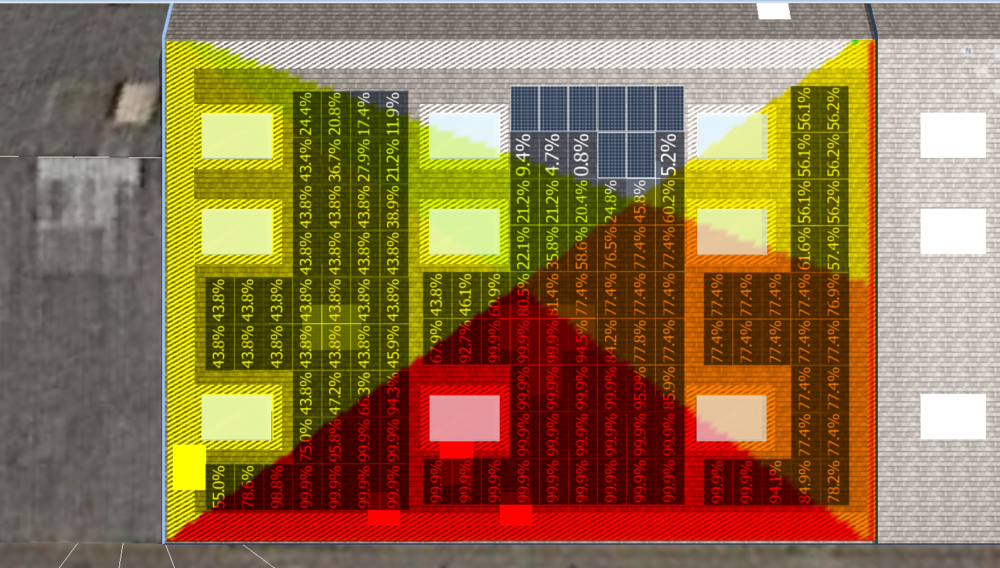
Hi I have imported a sketch-up model of a building into PVSOL Premium (latest release). Nothing else in the model space i.e. other building, trees etc and showing as circa 50% shaded. Something is not right it should be <5%. Anyone experienced this?
-
Please DM me about this please.

