Pranav
Members
-
Joined
-
Last visited
-
Hello everyone, Can I get daily production and consumption data from pvsol ? I am trying to get it from diagram editor but there I am only getting per hour or per 15 minutes. I need this data per day Thank You.
-
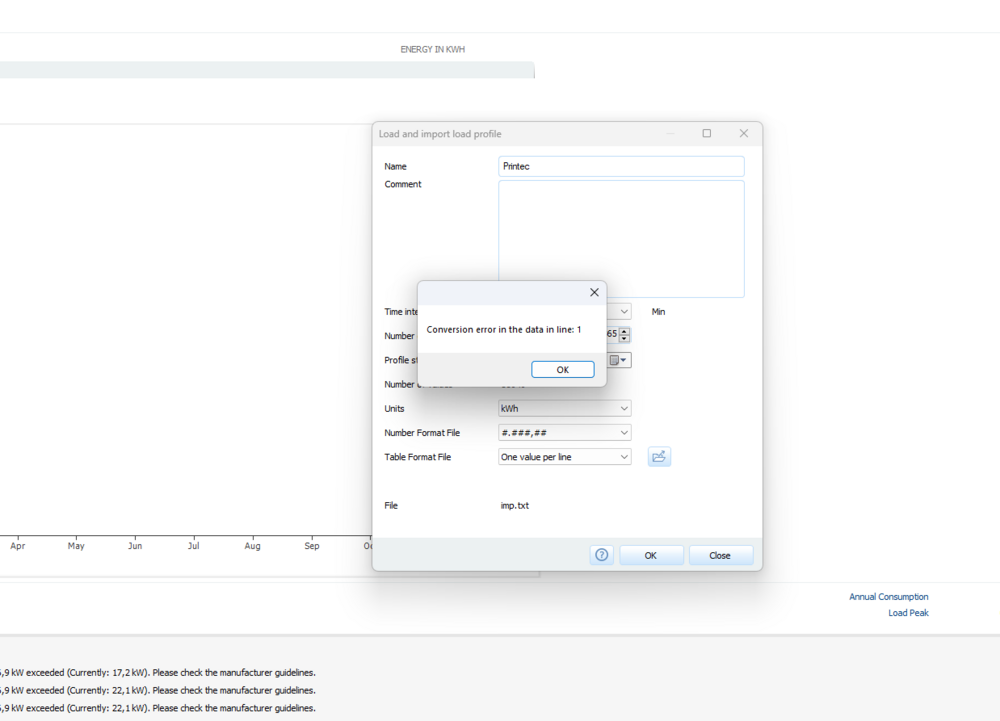
Hello, I am trying to import the load profile from .txt file. but again and again its showing the error "Conversion error in the data line: 1." I have data for every 15 mins. 35040 total rows. columns does contain any headings. I hope to get some help from you.
-
Helo Eveyone, I am trying to determine DC cable length of my 300kwp roof mounted pvsystem in pvsol. But the option cable Grommet is not working. even cable with option is also not there after right clicking on perticular inverter in cable plan.
-
Thank you so much Mikio. Is there any way with pvsol that we can import terrain. For lands on hills that would be better to design mounting system. and for the solar parks I want to use the pole mounting system as I have to mount it at perticular height. Thanks once again. Regards, Pranav
-
Pranav joined the community
-
For the Open field, Can I use a mounting system like pvcase. I mean if I want to install frame mounting (3 rows and 30 columns in one frame). I am planning for 2 mwp solar park.