Ykulkarni
Members
-
Joined
-
Last visited
Everything posted by Ykulkarni
-
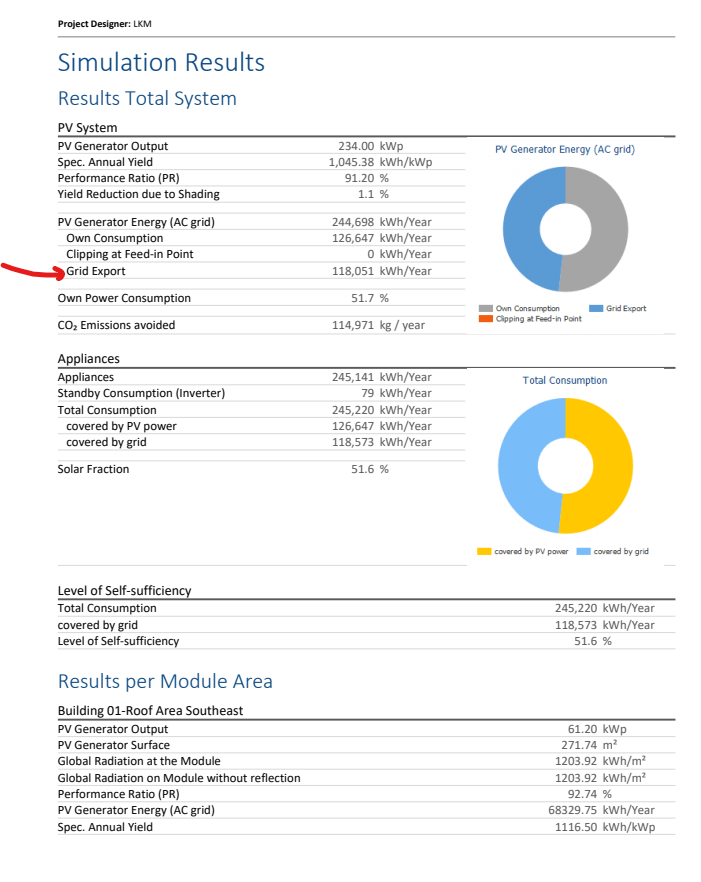
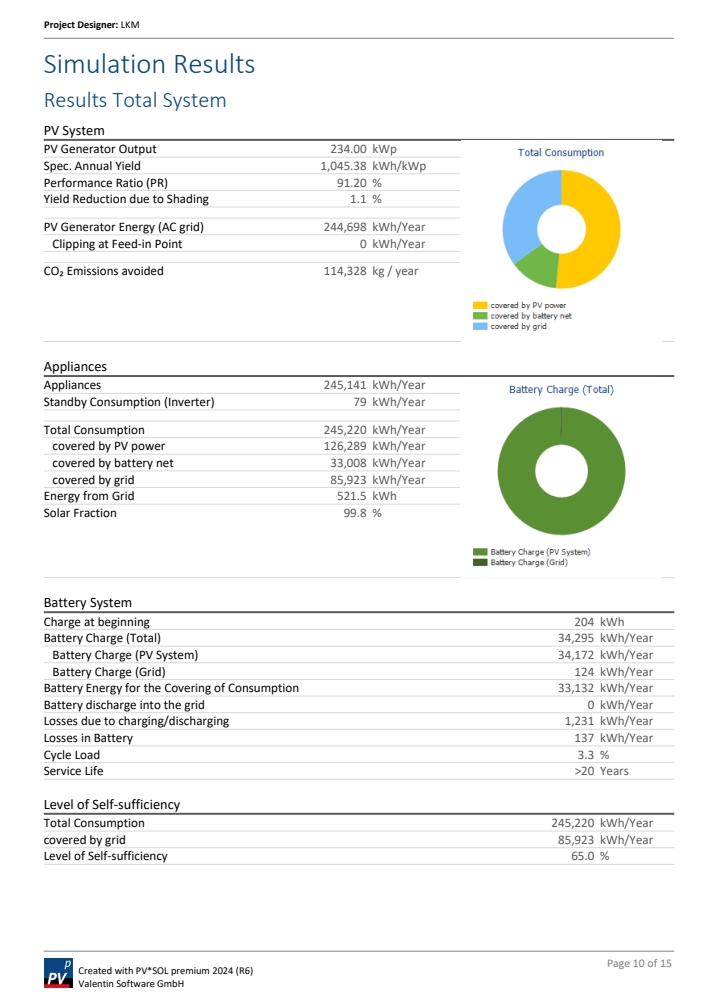
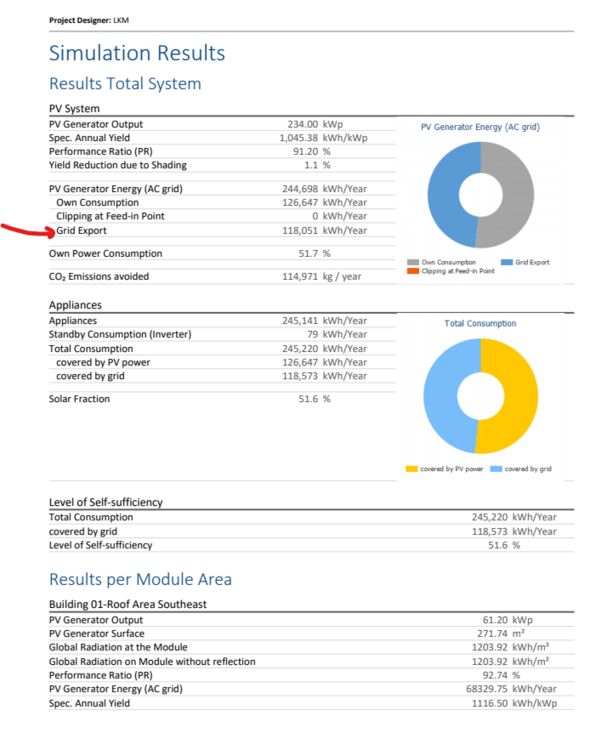
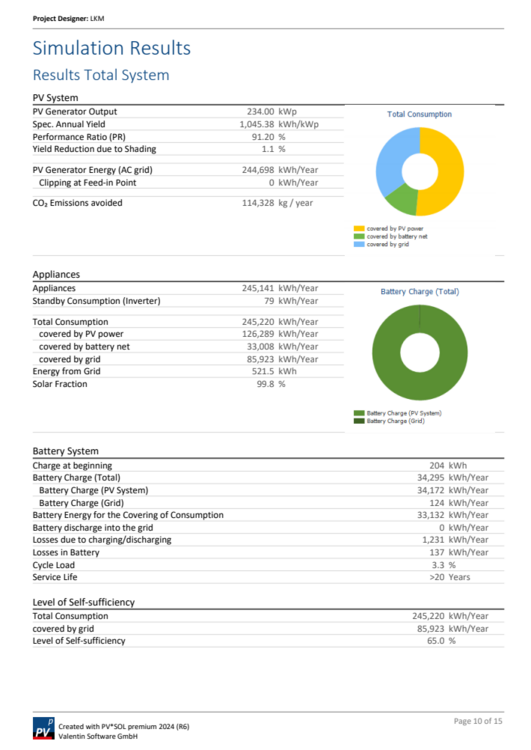
Dear Community, I am simulating my project to understand the impact of adding a battery to the solar + site demand setup. I am using Type of System: "3D, Grid-connected PV System with Electrical Appliances and Battery Systems" and "3D, Grid-connected PV System with Electrical Appliances" to check this difference. My question: Can you please help me understand where can I find the value of "solarPV exported to the grid" in the report? In the attached simulation report, I feel like it calculated all the information except how much is generated energy from solar PV is exported to Grid. I have also attached another simulation result (of the same project) but without the battery and in this case, I get the required solar energy exported to grid in the same page of the report. Is it a configuration requirement? Thank You,
-
Hi forum team, I am trying to simulate a behind the meter PV+Storage system in PVSol. I have two questions regarding my project: 1. Can you please help me understand where to add the grid export limit information? My project has a 180KW export limit granted by the distribution grid operator. 2. I want to use the BESS to maximise self-consumption. Do I need to look at "Own Power Consumption" or "Level of Self-Sufficiency" parameter in the production forecast section of the project documentation? Thank you for your help!