Skip to content
View in the app

A better way to browse. Learn more.

Forum Valentin Software

A full-screen app on your home screen with push notifications, badges and more.

To install this app on iOS and iPadOS
  1. Tap the Share icon in Safari
  2. Scroll the menu and tap Add to Home Screen.
  3. Tap Add in the top-right corner.
To install this app on Android
  1. Tap the 3-dot menu (⋮) in the top-right corner of the browser.
  2. Tap Add to Home screen or Install app.
  3. Confirm by tapping Install.

Francis Bajet

Members
  • Joined

  • Last visited

  1. Hi Guys, I made the textures work by editing the model in blender and reducing the texture resolution to 1024 by 1024. This will make it blurry but it is much better than having no texture at all. I also changed the format of the texture from jpg to png.
  2. Thanks so much for this. I tried reducing the number of vertices to 60,000 and it worked! But now it refuses to show any texture. Is there also a size restriction for this? The jpeg for the texture is currently 15mb.
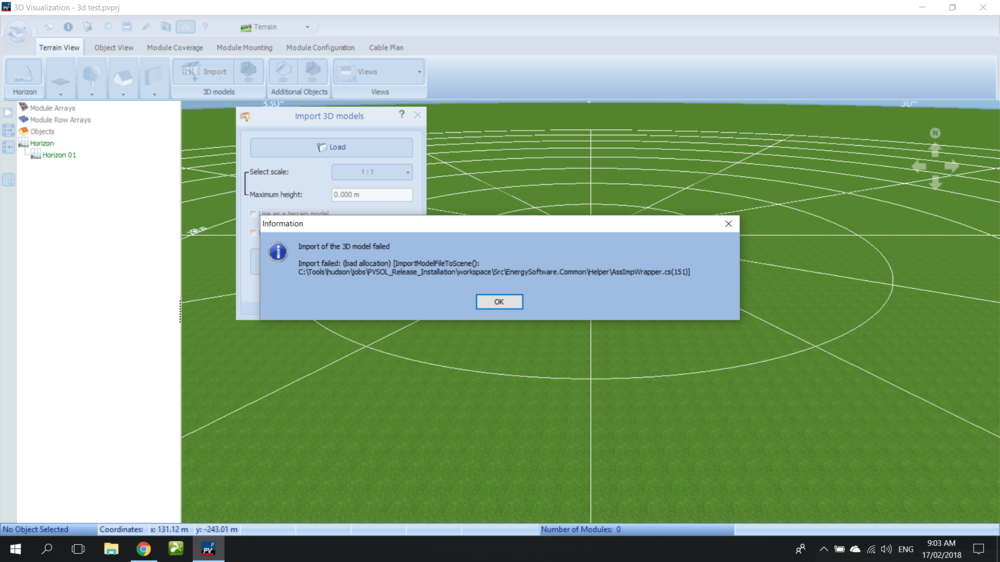
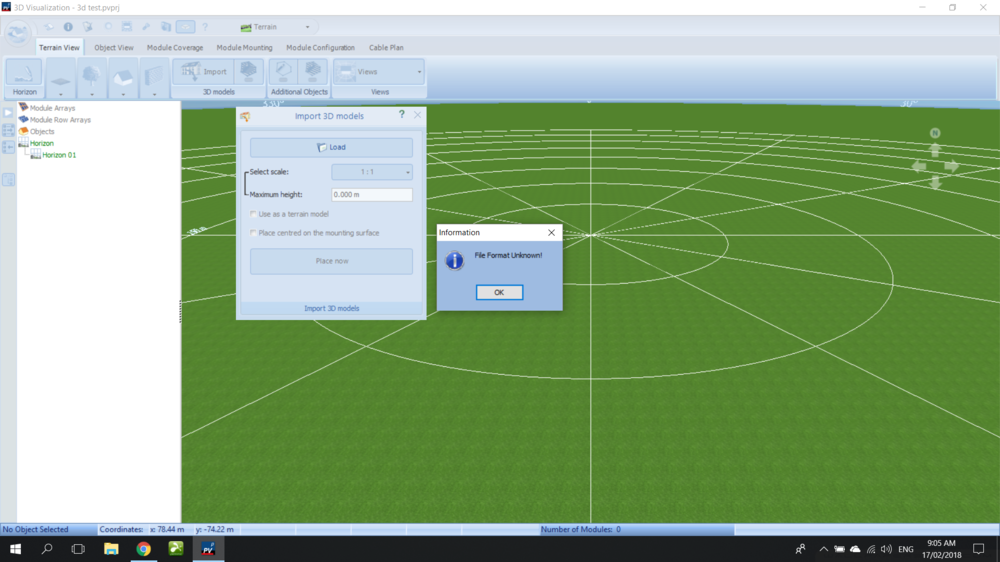
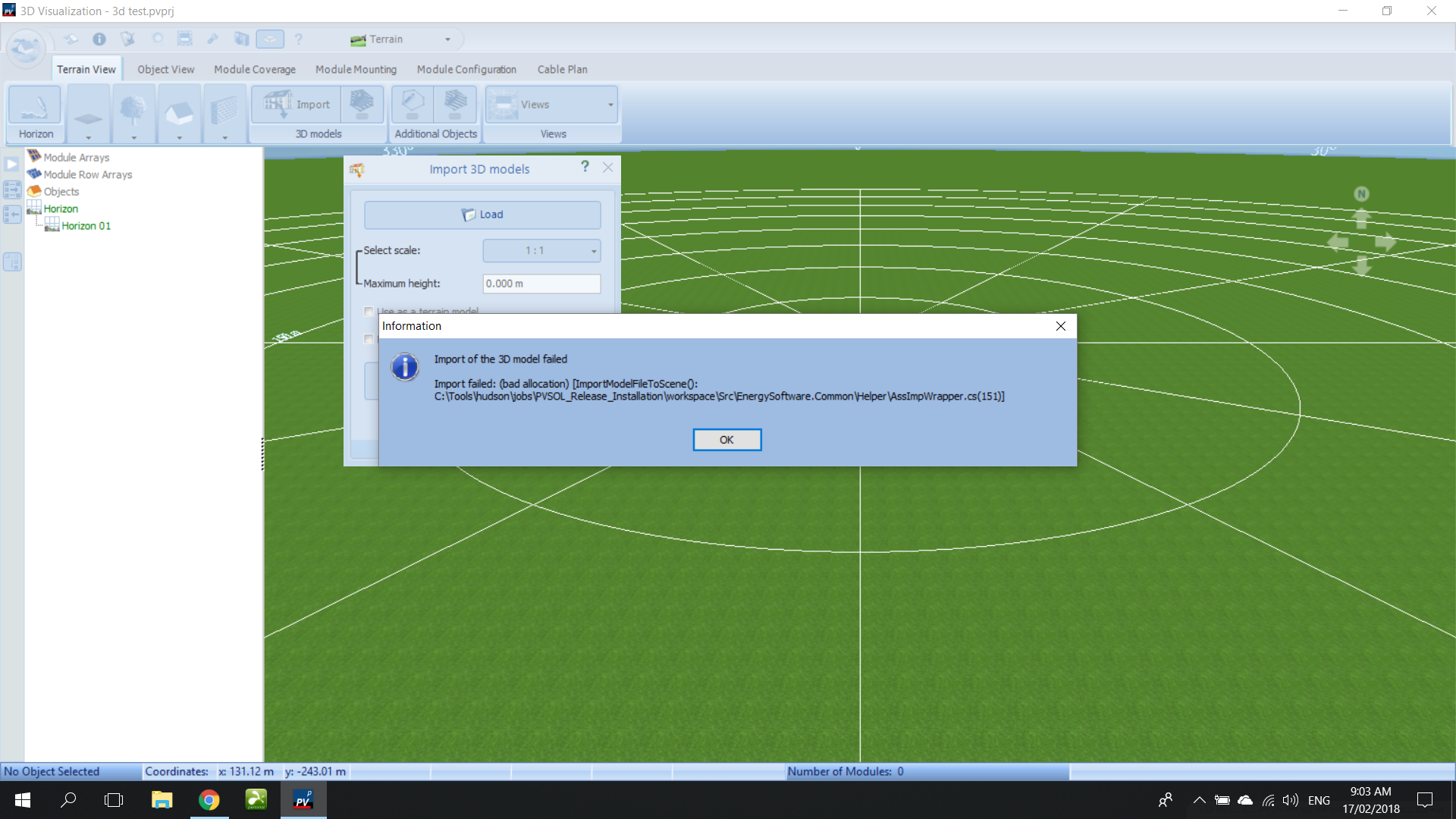
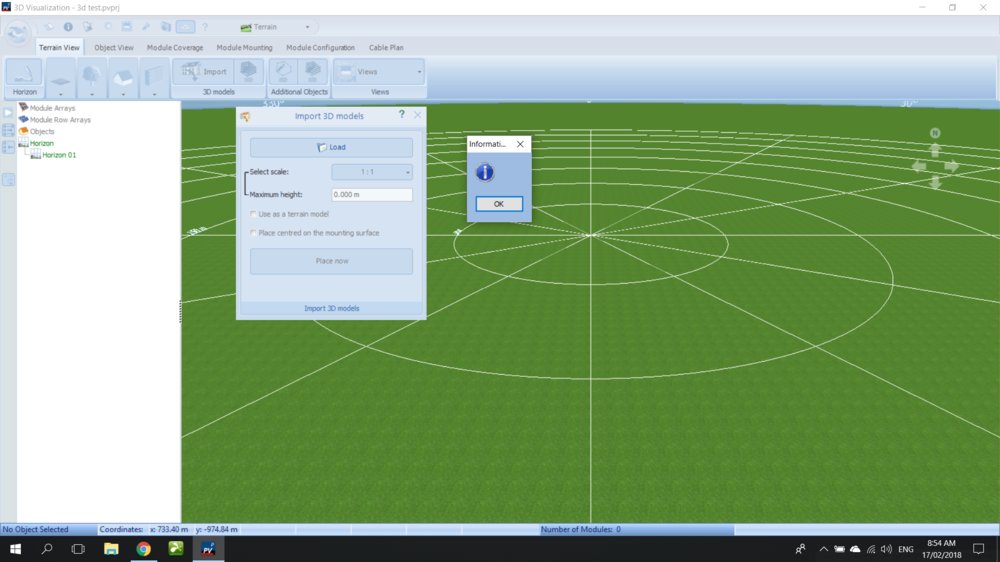
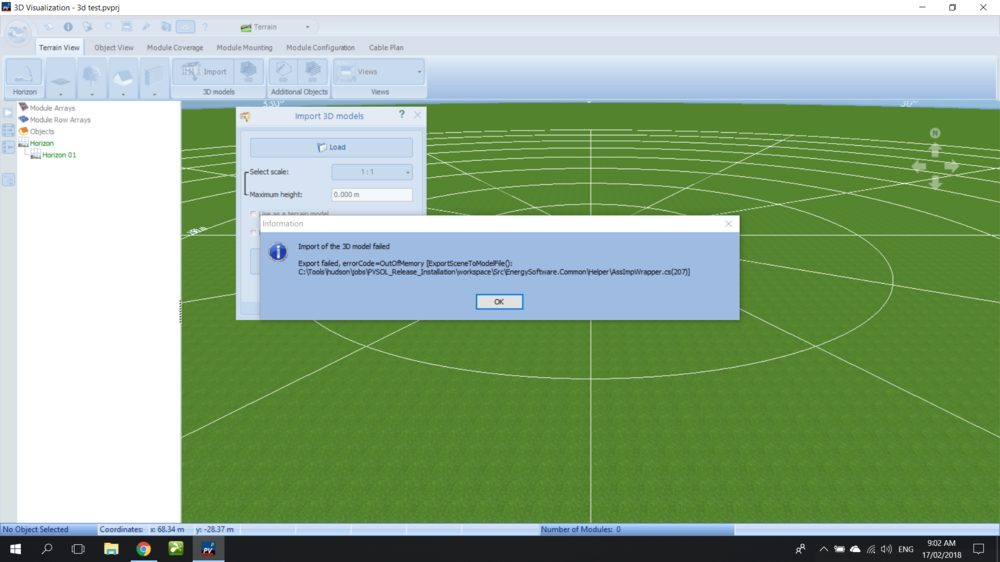
  3. Good Day, I could not import the .obj file. It loads up around 70% and then shows a blank error window. I tried reinstalling PV Sol and still did not work. I tried exporting it to other formats via blender and got the following: as .blend Then as .dae Then as .ply My system has the following: CPU: Intel i7 6700 RAM: 16gb 2133mhz GPU: GTX 980m
Account

Navigation

Search

Search

Configure browser push notifications

Chrome (Android)
  1. Tap the lock icon next to the address bar.
  2. Tap Permissions → Notifications.
  3. Adjust your preference.
Chrome (Desktop)
  1. Click the padlock icon in the address bar.
  2. Select Site settings.
  3. Find Notifications and adjust your preference.