Stuart Patience
Members
-
Joined
-
Last visited
-
-
R4 causing lots of issues with layout: Two Project fields on Project Data Tab, layout also looks clumsy Panel model not able to be selected on PV Modules tab (cut-off drop down form field) - therefore cannot progress designs Inverter drop down in Configuration tab - form fields too tight horizontally so no spacing/tight Does not look a great version upgrade currently.
-
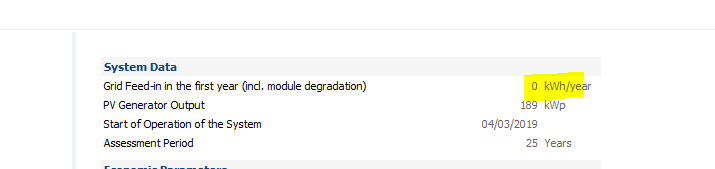
Martin Sorry have looked and can't see it! Only reference is shown below but 0kWh/yr as no FIT tariff as client wants to model without. Any ideas?
-
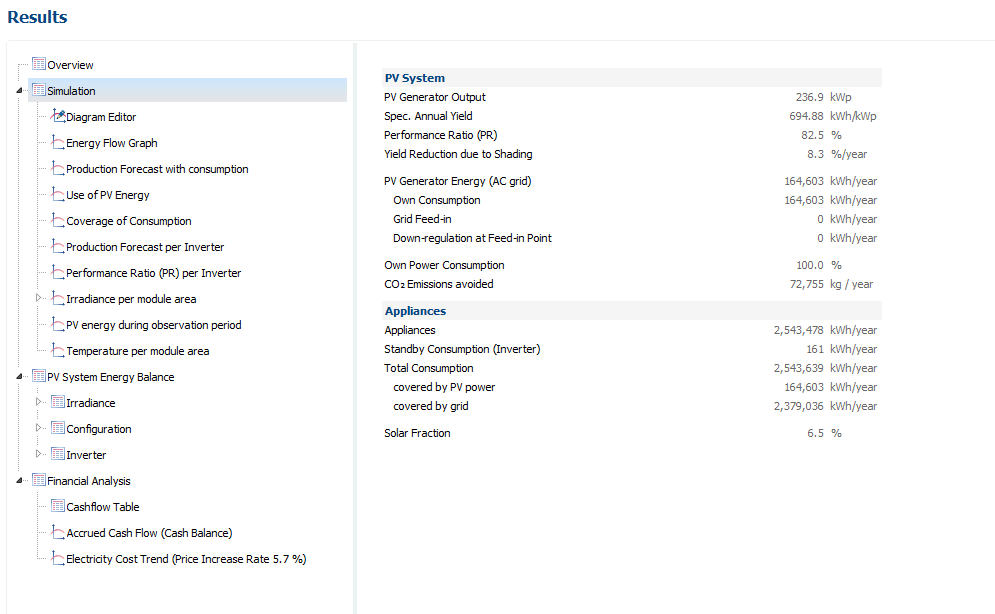
Hi Martin I don't get that option in mine (Grid Connected with Electrical Appliances option)@
-
I have just noticed that when I change the panel degradation the summary shown in the report for PV Generator Energy (AC Grid) does not change - thus, this shows in an ideal world with no panel degradation what the first year would be (100%). If I start with 97% in year one this does not reduce? Is there a way of showing the average over 20 years? Also, how do I get the graph of the panel degradation shown in the Results tab included in report? Or do I need to copy and paste into another document? Thanks
-
Hi Does the PV output shown in the report show a year by year loss to account for panel degradation? The figure shown in the report I am assuming is Year 1 and not an average?
-
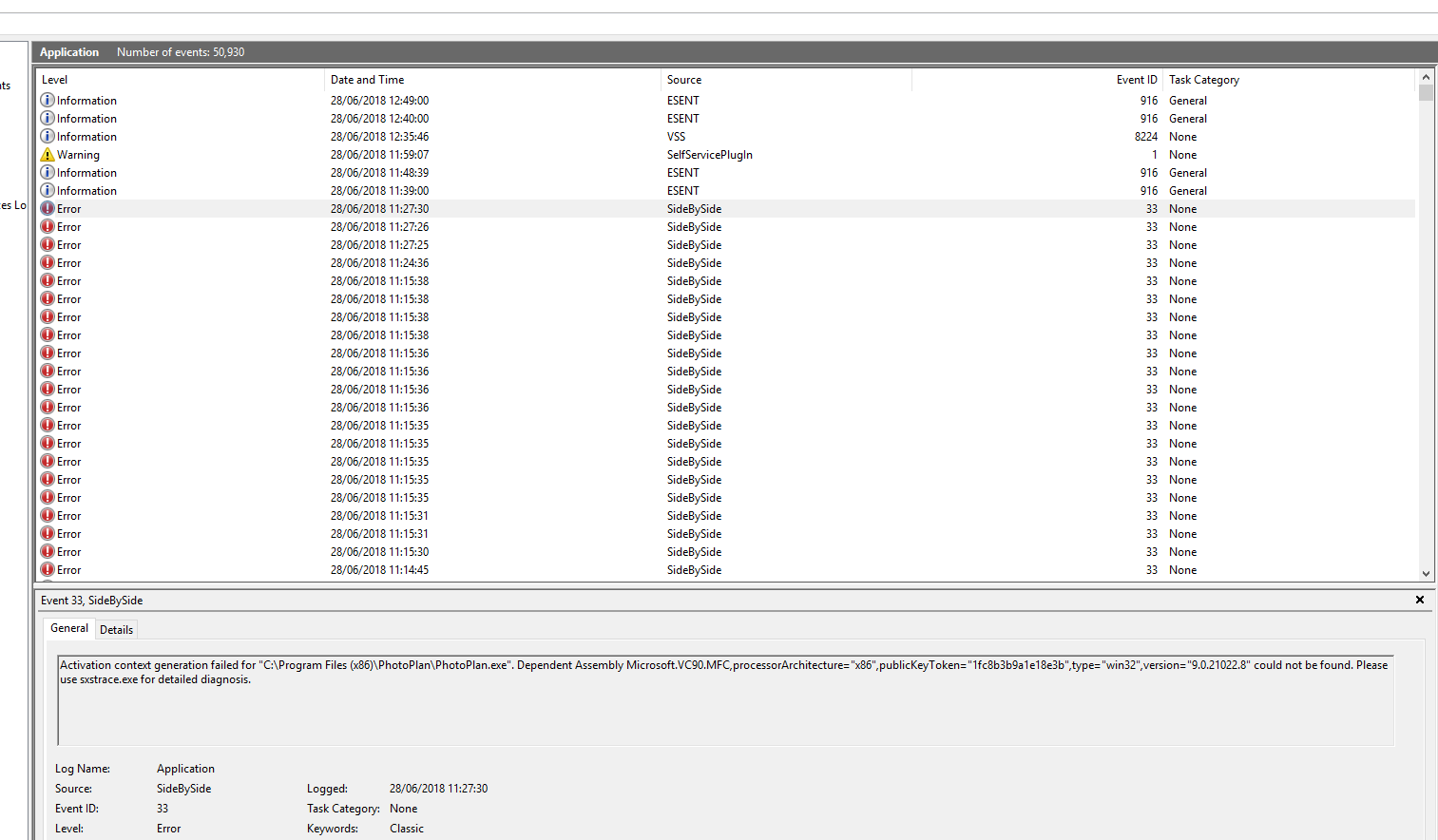
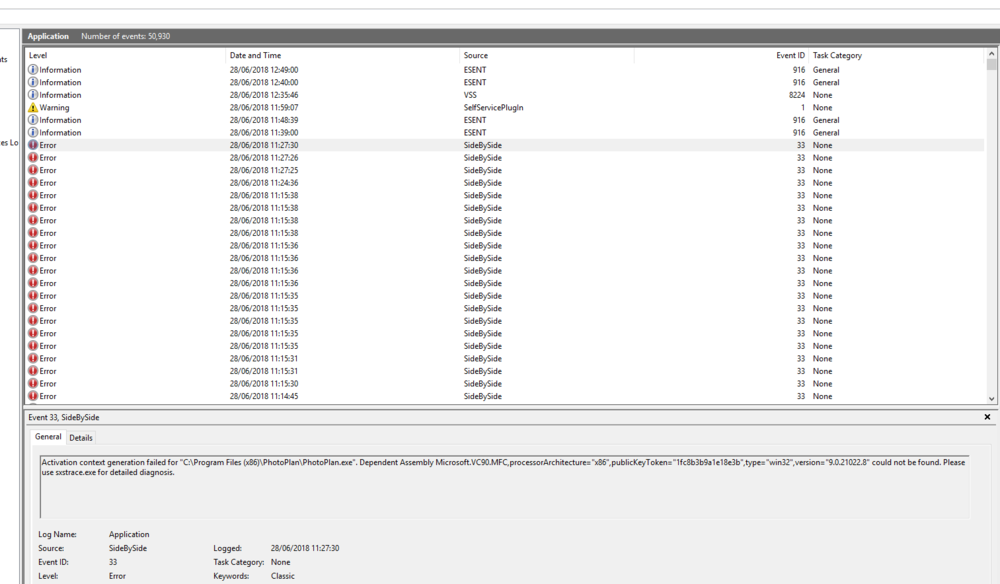
Yes lots of errors...
-
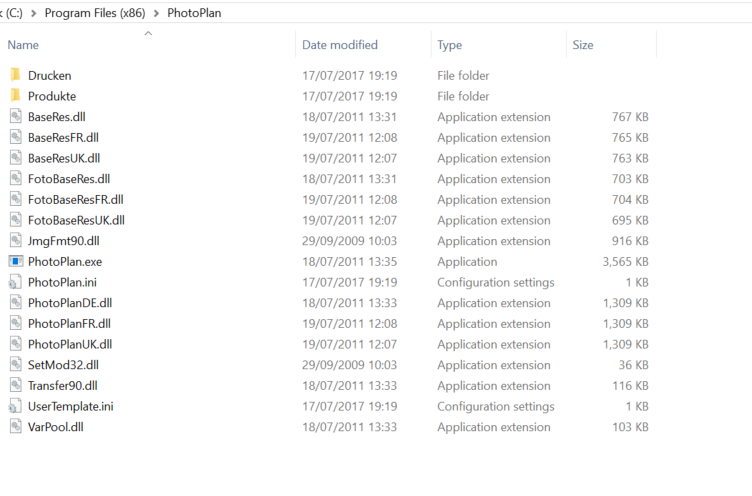
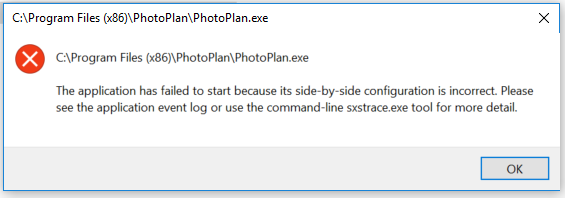
When click on EXE file in C drive:
-
All projects. Even if just click photo plan from new project - it does nothing? Using 2018 R7.I cannot get photo plan option to work. Click button and does nothing. Any ideas?Why does the map section not always work. I have to zoom out for the whole of the world then manually zoom back in finding address rather than taking postcode.