

Skip to content
View in the app

A better way to browse. Learn more.

Forum Valentin Software

A full-screen app on your home screen with push notifications, badges and more.

To install this app on iOS and iPadOS
  1. Tap the Share icon in Safari
  2. Scroll the menu and tap Add to Home Screen.
  3. Tap Add in the top-right corner.
To install this app on Android
  1. Tap the 3-dot menu (⋮) in the top-right corner of the browser.
  2. Tap Add to Home screen or Install app.
  3. Confirm by tapping Install.

Rok G

Members
  • Joined

  • Last visited

  1. Rok G replied to Rok G's topic in PV*SOL
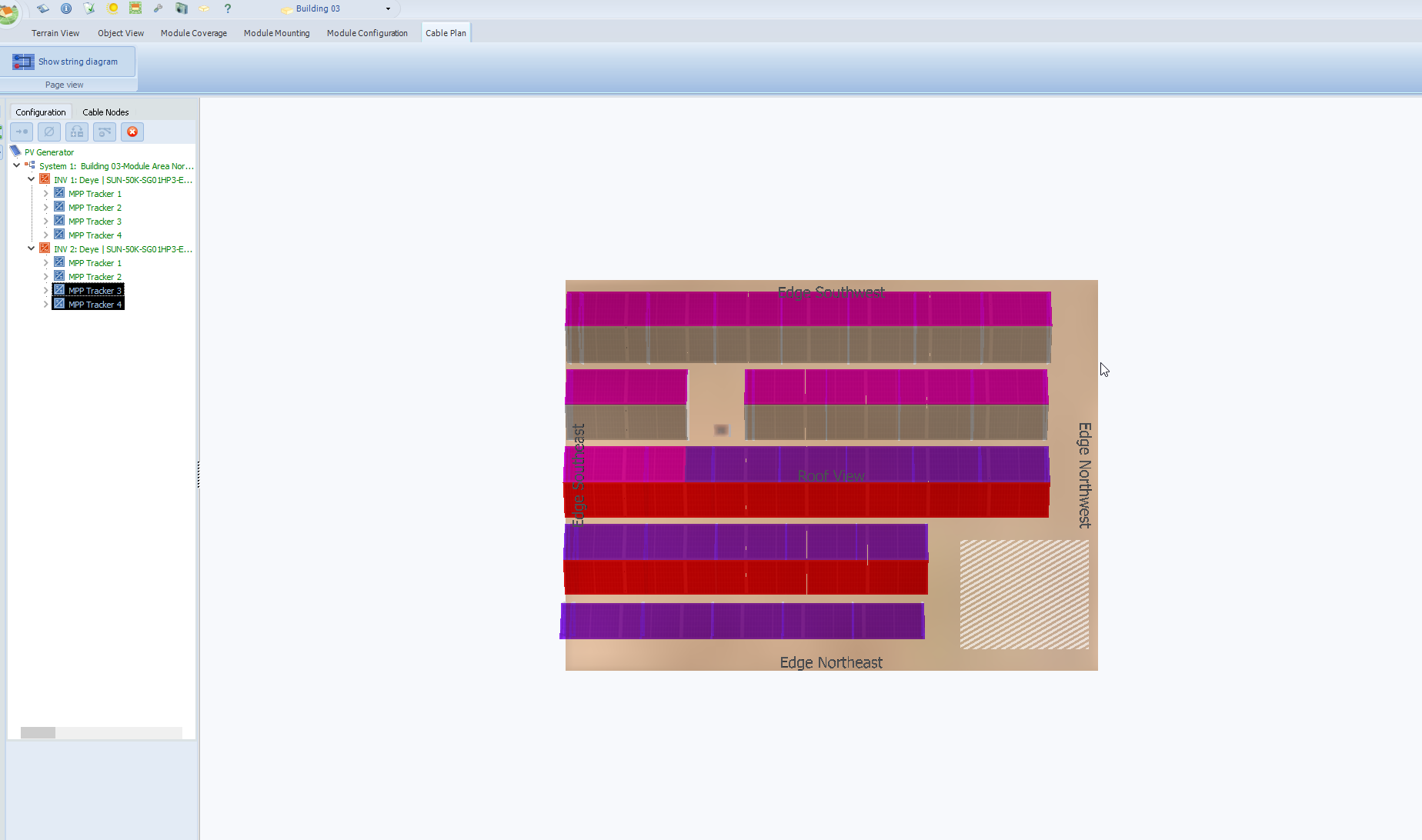
    Hi, thank you for your answer. For this particular roof there is no cable on the string plan. So I get every time notification that "at least one cable is incomplete". What can I do to overcome this? Thank you.
  2. Rok G posted a topic in PV*SOL
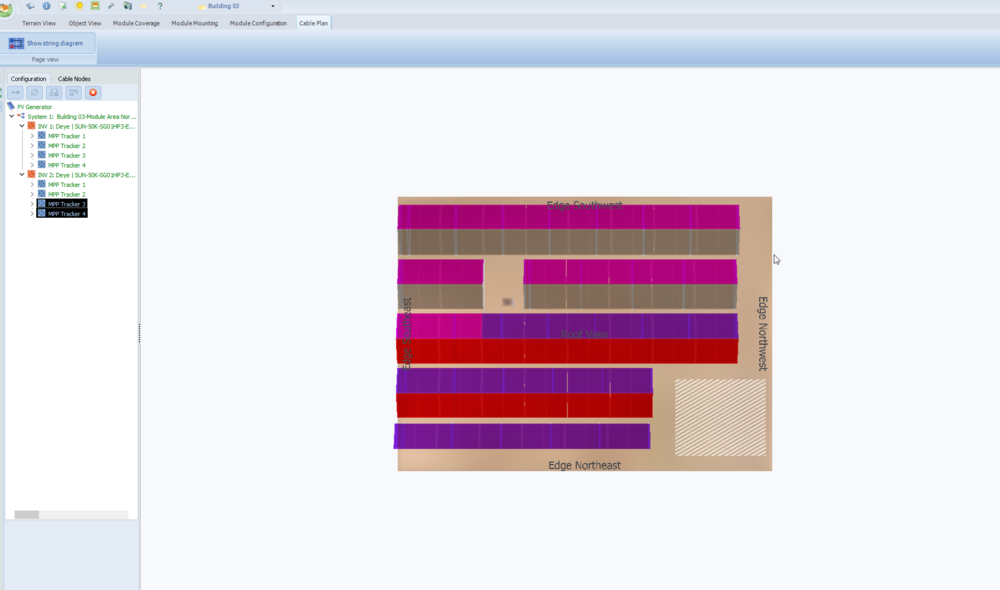
    Hi, I am trying to finish one of my projects and cabling was mostly done automatically. However, for some reason one roof (flat) did not cable (even though string is as it should be). When I try to cable manually, there is no option to put cable on grommel anywhere - in fact, I cannot make any cabling manually for any roof type. Please see attached photo of a Cable Plan menu where there are no visible options that usually are, such as Cable, Cable Nodes etc. Why is that? How I can finish the project? Thank you. Best regards, Rok
Account

Navigation

Search

Search

Configure browser push notifications

Chrome (Android)
  1. Tap the lock icon next to the address bar.
  2. Tap Permissions → Notifications.
  3. Adjust your preference.
Chrome (Desktop)
  1. Click the padlock icon in the address bar.
  2. Select Site settings.
  3. Find Notifications and adjust your preference.