Dajana
Members
-
Joined
-
Last visited
-
-
To whom it may concern, I have had the students license and everything was working fine. Then the license was due and I have bought full license and now the program does not want me let register it. I have uninstalled it and installed it again but there are my old information and I can not change them and it just stands that the time has run out. What should I do? Thank you for your help
-
I know that the cabling option is not available for mounted modules. When I have a monted surface u just use the calculations as if the modules where on a roof and add to the cable length. My question is, when I have modules with east/west tilt is it possible to change the strings so that the strings are always connected on the same side, actually eveyr other module row? I could then use the calculation for aproximation of the length.
-
We do not have an antivirus program.
-
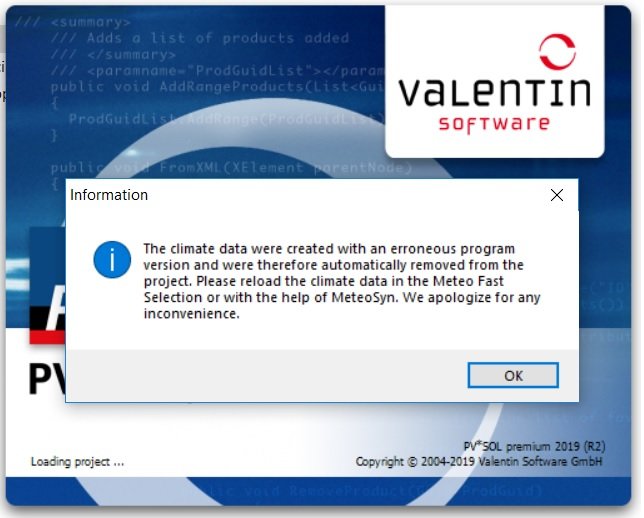
I have emptied the folder, and then the project works when i make the configurations again. Then it works only the first time. When I save the file or send it to my colleague the simulation has the same problem.
-
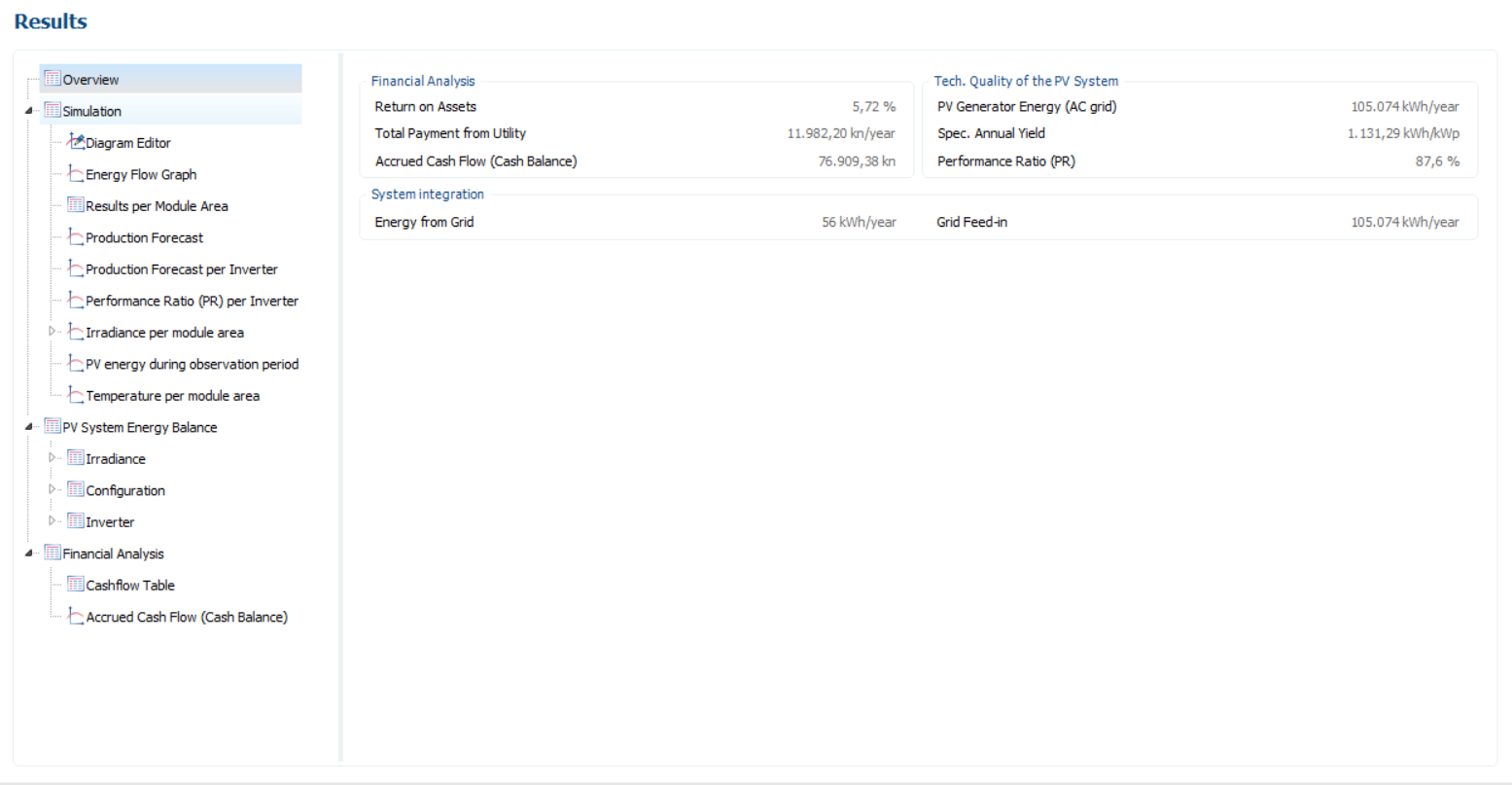
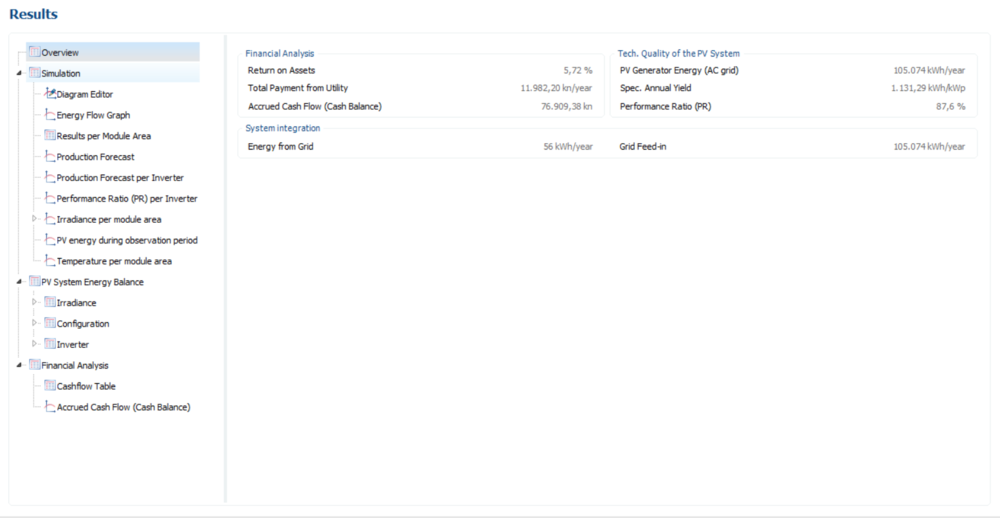
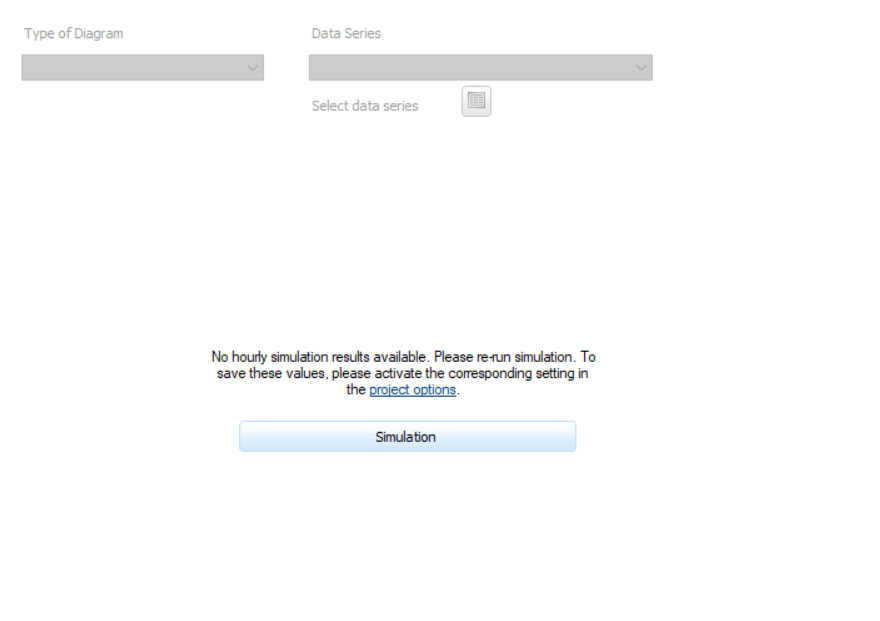
I have changed the cable losses but the program will not show the diagrams again. When i press simulation just this appears: I have the PV*SOL premium 2018 (R4).
-
But why does this happen? I can not run a simulation.
-
To whom it may concern, some of my projects do not work always. When I make them at first they run fine and the results are good, but when I save them or send them to my colleagues the simulation will not run. The message displays as: No hourly simulation results available. Please re-run simulation. To save these values, please activate the corresponding setting in the project options. Sometimes there is a message about the time and that I need to choose the option Simulate the iiradiance with synthesized minute values. When i do that the energy is limites as it is displayes in the graphic. What can I do about that? Kind regards