Hayder Ali
Members
-
Joined
-
Last visited
-
thanks, sir and can we select different EVs (different companies) with different available charging time in PVSOL
-
Dear sir, I hope you are fine. Can we add EV in off-grid systems? If yes kindly explain. Thanks Regards Hayder Ali
-
Dear sir, Can you please tell what is the maximum error occur between pvsol simulation result (output power) and actual output power?
-
Dear sir, Can we simulate Total cross tied or Bridge link scheme on PVSOL? Thanks for your time
-
-
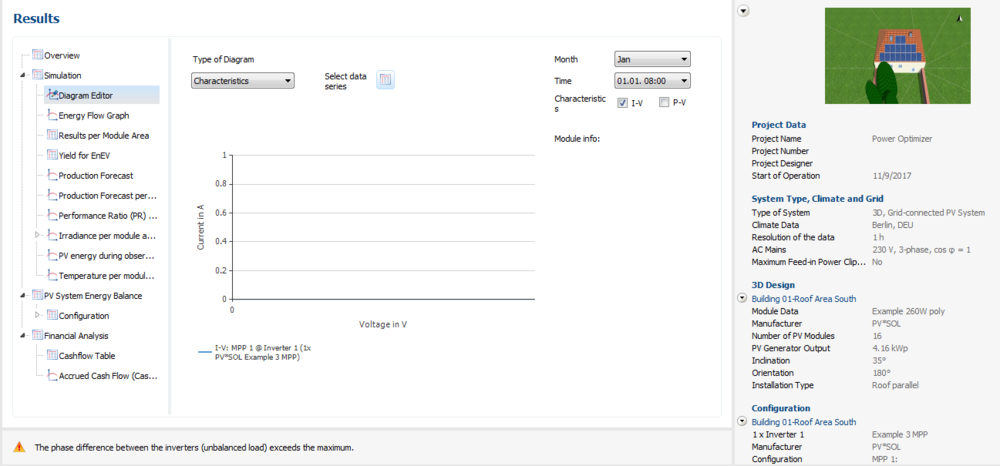
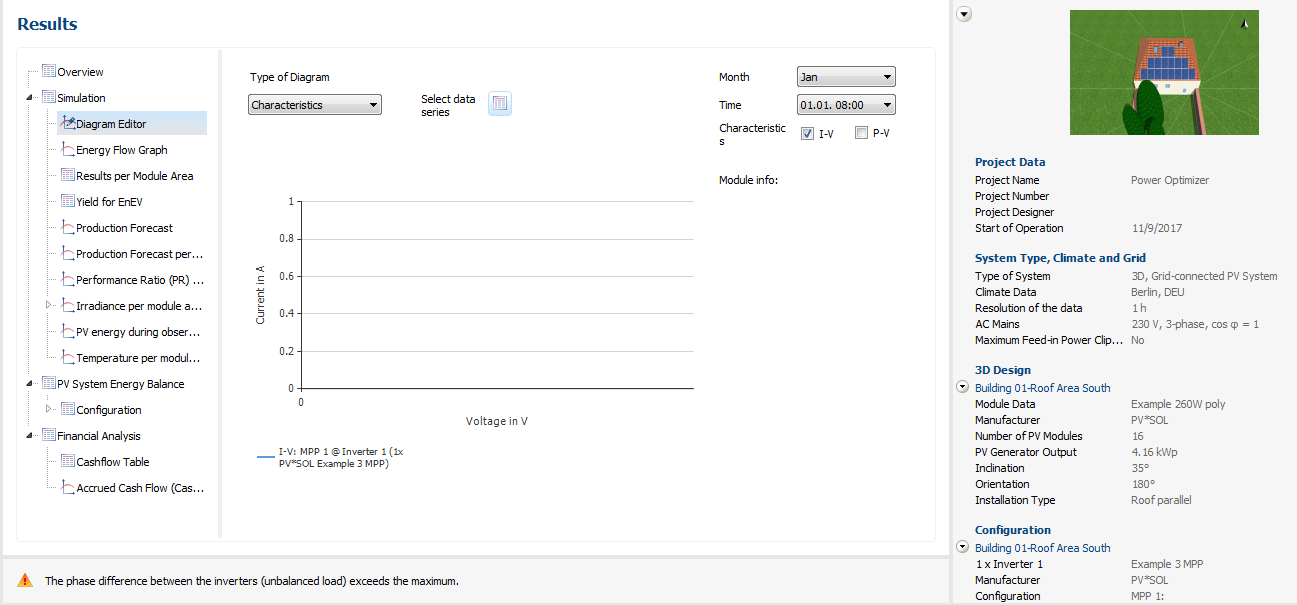
How do you calculate mismatch losses in the model? Can you please share the mathematical model of it? ThanksQ1: Mean Temperature use in PVSOL premium is the mean temperature of the whole day (24h) or it is the mean temperature of only the sunlight hours? and if also want to know, if we chose the mean temperature of the whole day can it still give us good approximation about temperature loss in PVSOL?? Q2: Can PVSOL premium set the tilt angle and the direction of the face of the module optimally?Thanks MartinIV curve is not shown please tell me how to obtain it.I also select "Record characters for MPP tracker module" option to ALL.