Hello,
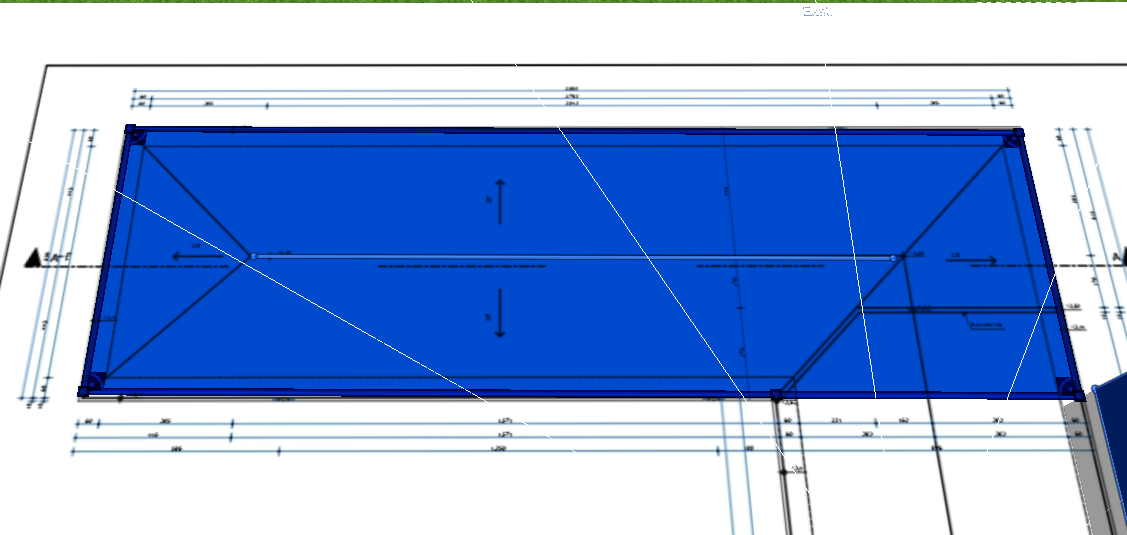
I am working on a project in PVsol Premium where I need to model two buildings connected in an L-shape. I have a base plan imported from AutoCAD, and I manually draw the roof outlines on top of it using the drawing tool (pencil). However, PVsol always assigns a flat roof to my drawn shapes, regardless of how I draw them.
I tried selecting the outline first and then adding a polygon edge (as suggested in some guides) to help PVsol recognize it as a pitched/multi-slope roof, but it still results in a flat roof.
My main issues are:
How can I draw two separate buildings and connect them so they appear as one L-shaped structure with a continuous pitched roof?
How can I make PVsol recognize my hand-drawn roof outline as a pitched roof (gable or hip) instead of always defaulting to a flat roof?
I have attached images showing:
The roof type I want to achieve (two buildings connected in L-shape with a continuous pitched/tiled roof and solar panels placed on it)
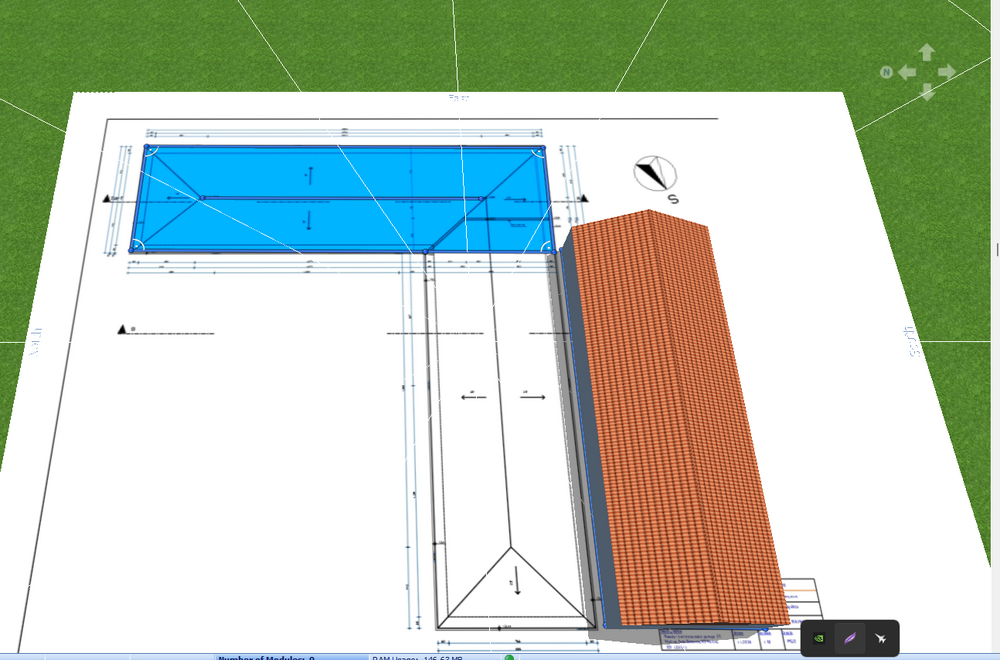
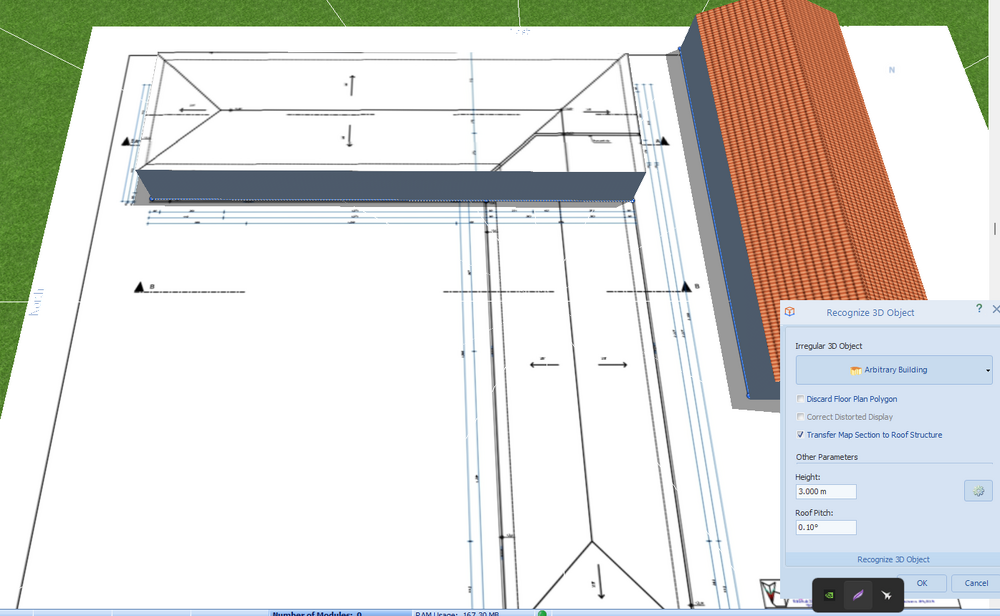
What I currently get (two separate buildings with flat roofs that do not connect properly, with a visible wall gap at the junction)
I am importing the site plan from AutoCAD as a background reference and drawing the building footprints manually on top of it.
I have also included image links below to better illustrate the issue and the desired result:
This is what I got - current result in PVsol:
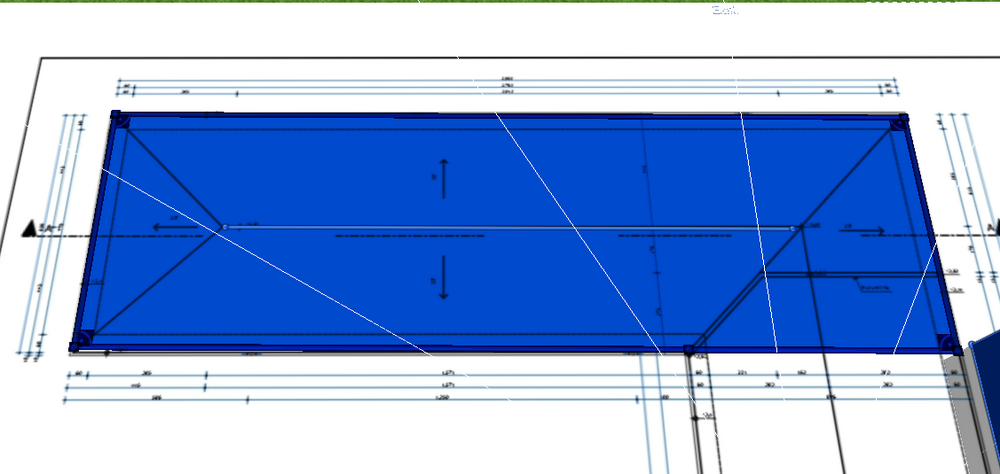
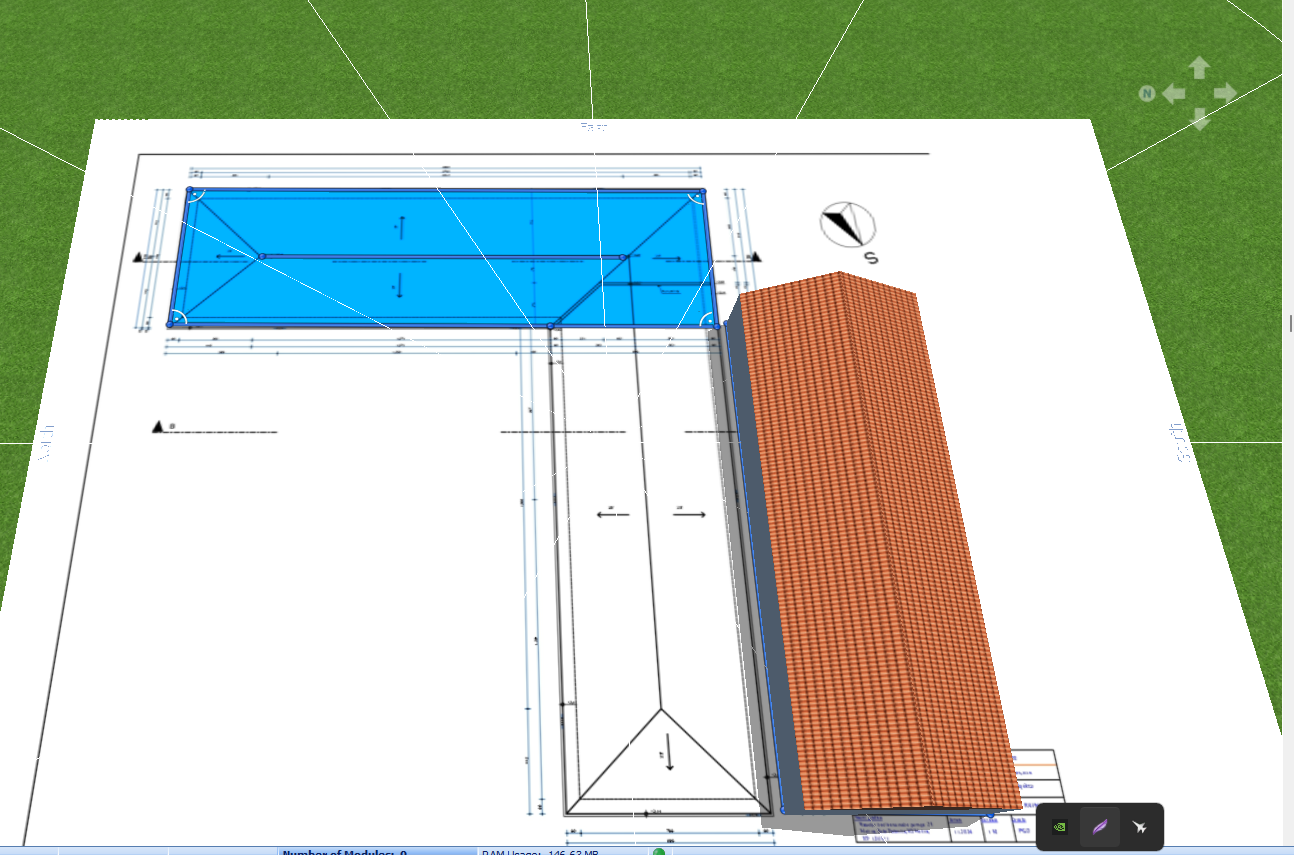
This is what I tried to draw manually - my attempt:
This is what I need - the desired result (these two images show exactly what I am trying to achieve):
Any help or step-by-step guidance would be greatly appreciated.
Thank you!