
PETER SH
-
Posts
3 -
Joined
-
Last visited
PETER SH's Achievements






-
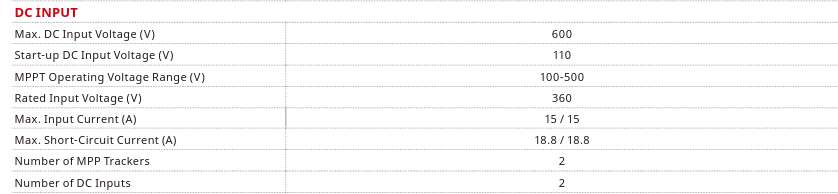
Hi, I wanted to copy this inverter and add a new inverter whose specifications are close to the copied inverter. Do I need to add the MPPT numbers of Max. Input Current (A)=30, Max. Short-Circuit Current (A)=37.6 for new inverter or is there no need to add the numbers? New inverter: This is where I need to enter the numbers: With the above specifications, what number should I enter specifically in the boxes?

-
Thank you for your response. My monitor size is 15.6 inch And resolution is 1920×1080 Your suggestion in number 8-13 is effective and it was fixed to some extent, but the whole program still has a low resolution and the fonts are large, but it is tolerable.
-
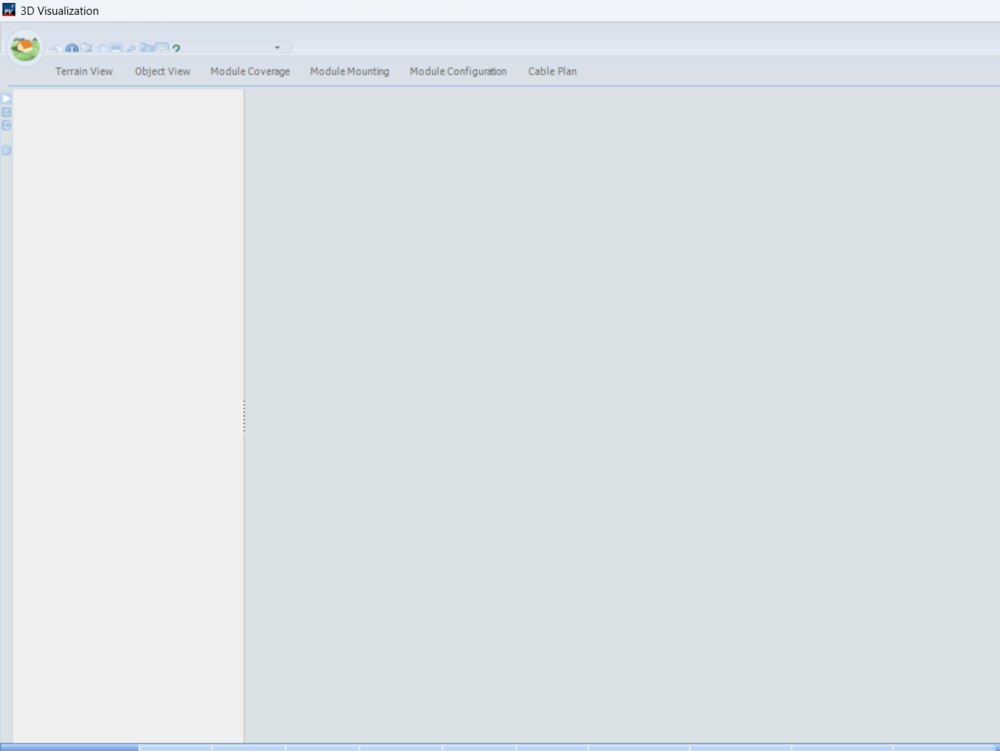
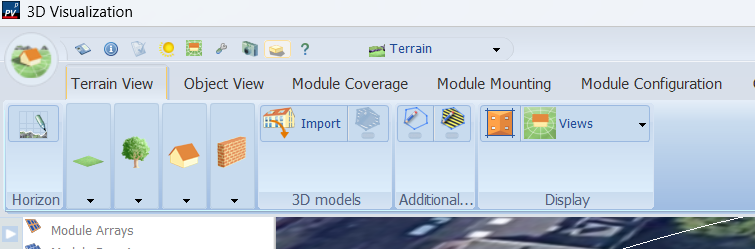
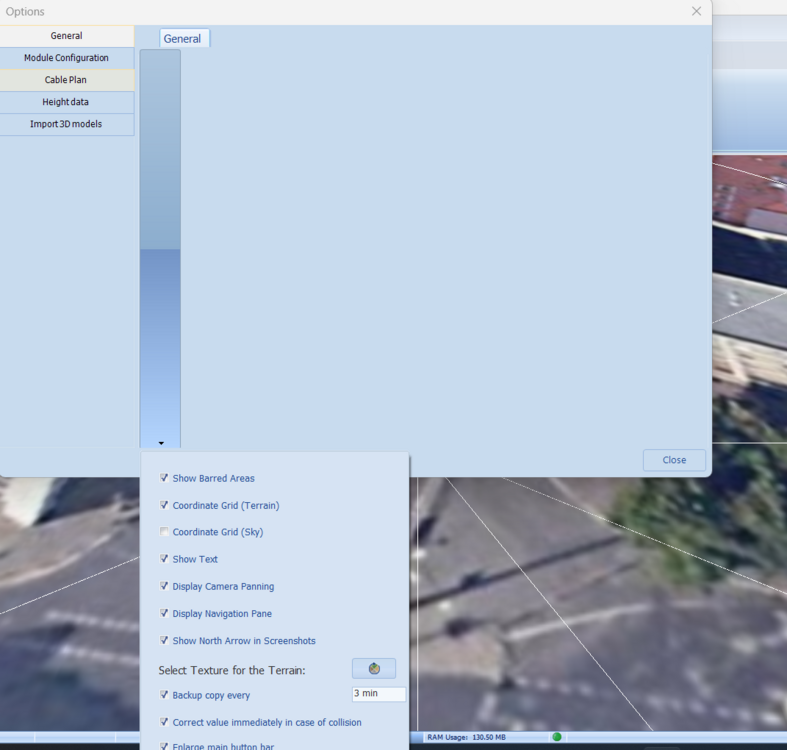
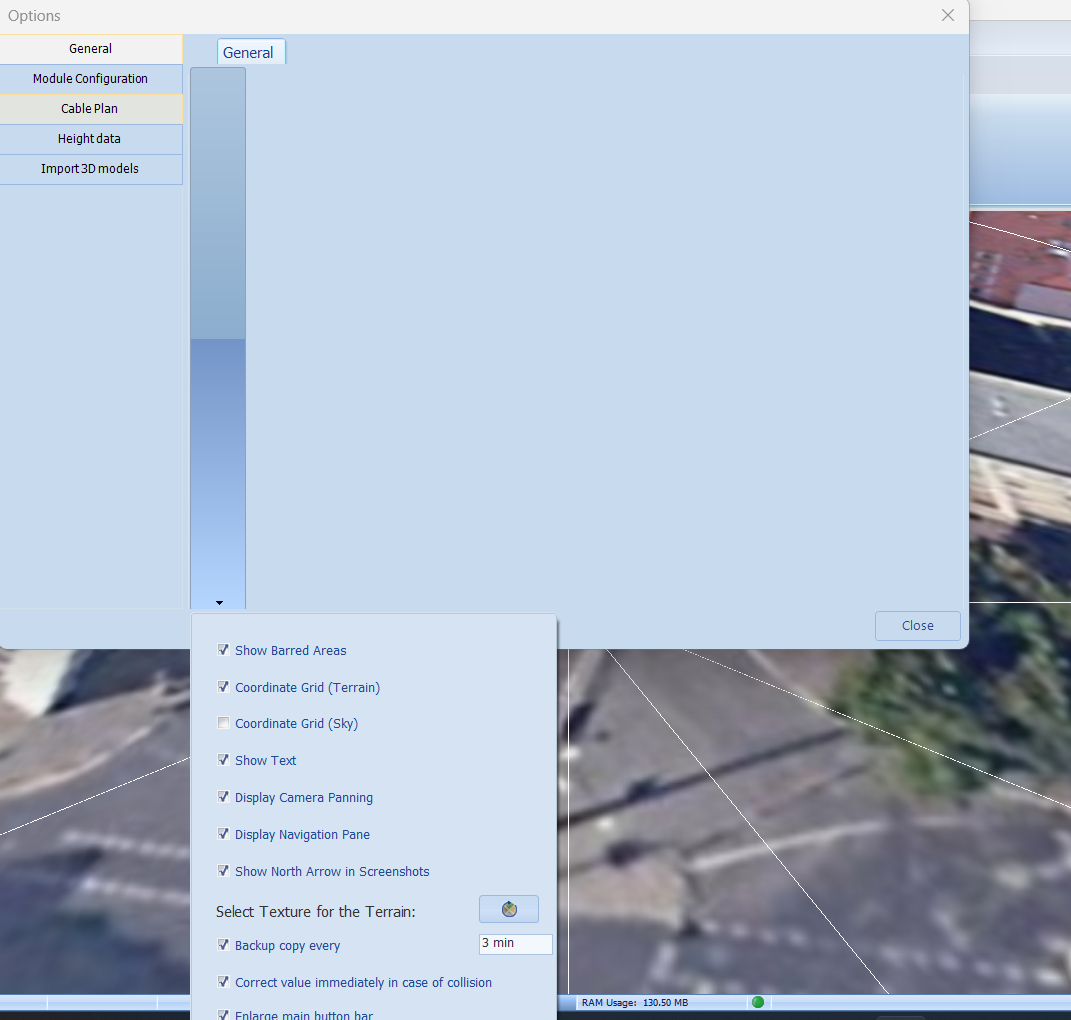
Hi, Still the program has problem and it doesn't show well, when I did the above steps still the problem of toolbar clutter persists. Windows 11 latest update. Please solve this problem. When unchecked (Override...) When check (Override...) and do this step with ini file: <MainPagerWider>-1</MainPagerWider> ... I have followed all the steps you suggested but my problem is not solved and there is a complete mess, if there is a solution please share it with us.